
SearchBar にはプレースホルダを設置することができます。
プレースホルダを設定するには Placeholder プロパティを使用します。
以下はXamlにおける Placeholder プロパティの使用例です(11行目)。
<?xml version="1.0" encoding="utf-8"?>
<ContentPage
    xmlns="http://xamarin.com/schemas/2014/forms"
    xmlns:x="http://schemas.microsoft.com/winfx/2009/xaml"
    xmlns:local="clr-namespace:searchBarSample02" x:Class="searchBarSample02.MainPage"
    xmlns:ios="clr-namespace:Xamarin.Forms.PlatformConfiguration.iOSSpecific;assembly=Xamarin.Forms.Core"
    ios:Page.UseSafeArea="true">

    <StackLayout HorizontalOptions="CenterAndExpand">

        <SearchBar x:Name="searchBar" Placeholder="検索文字列を入力してください" />

    </StackLayout>
</ContentPage>
コードで SearchBarコントロールにプレースホルダ設定するには、以下のようにします。
namespace searchBarSample02
{
    public partial class MainPage : ContentPage
    {
        public MainPage()
        {
            InitializeComponent();

            searchBar.Placeholder = "検索文字列を入力してください";
        }
    }
}
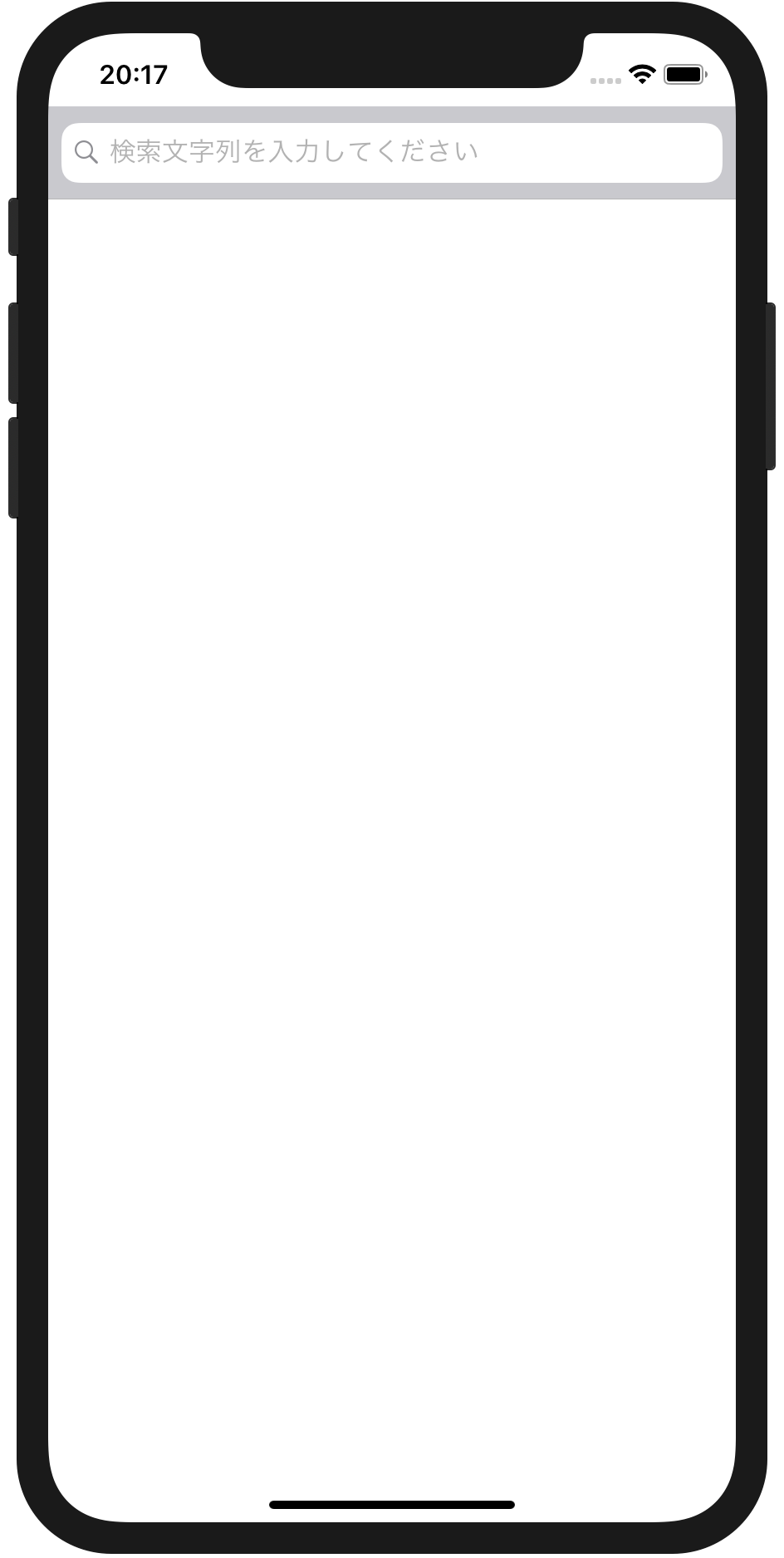
実行例を以下に示します。

Please follow and like us:


コメント