
本記事の概要
この記事では Stepper の Value を Label にバインディングする方法について説明します。
公式サイト情報はコチラを参照してください。
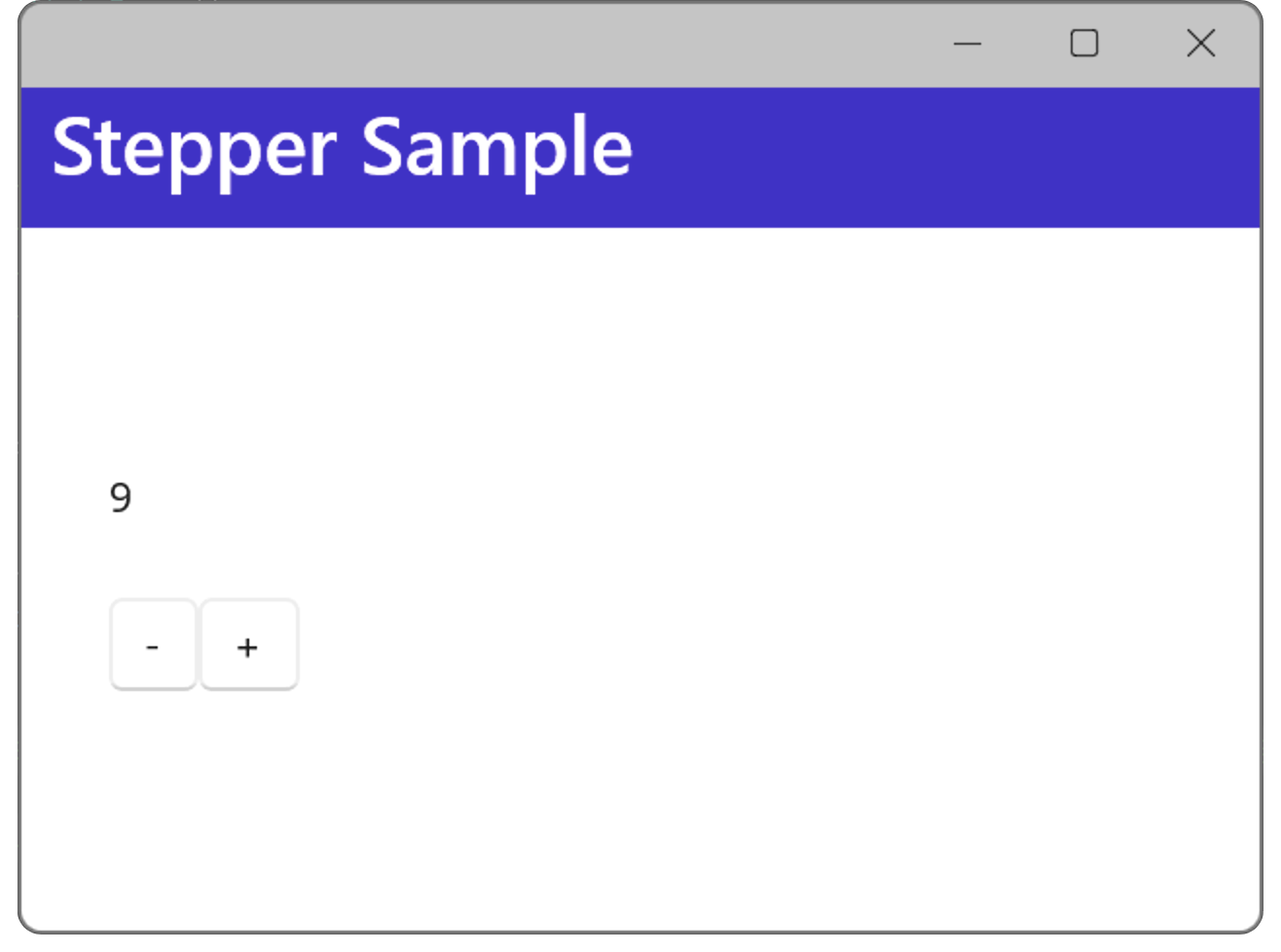
データをバインディングする例
Stepper の値をバインディングする
Stepper の Value を他のコントロールにバンディングするには、Binding Source に Stepper のオブジェクト名を、Path に Value を指定します。
以下は、Stepper の Value プロパティを、Label の Text プロパティにバインディングする例です。
XAML の例
<?xml version="1.0" encoding="utf-8" ?>
<ContentPage xmlns="http://schemas.microsoft.com/dotnet/2021/maui"
             xmlns:x="http://schemas.microsoft.com/winfx/2009/xaml"
             x:Class="MauiAppSample.MainPage">

    <ScrollView>
        <VerticalStackLayout
            Spacing="25"
            Padding="30,0"
            VerticalOptions="Center">

            <Label Text="{Binding Source={x:Reference myStepper},
                Path=Value}" />
            <Stepper x:Name="myStepper"
                     Minimum="0" Maximum="100"
                     Value="0"/>

        </VerticalStackLayout>
    </ScrollView>

</ContentPage>
データをバインディングする例
.NET MAUI Tips
本サイトでまとめている .NET MAUI Tips の一覧はこちらから確認できます。
Please follow and like us:



コメント