
XAML内でDevice.OnPlatformを使用すると、プラットフォーム毎に固有の値を記述することができます。
以下はDevice.OnPlatfomrを使用して、プラットフォーム別にLableのテキストカラーを設定する例を以下に示します。
<OnPlatform>のx:TypeArgumentには、コントロールのどの属性を設定するのかを指定します。ここではColotとしているので、テキストカラーをプラットフォーム別に設定することを意味します。
また、iOSやAndroidというプラットフォーム別のプロパティに各値を設定します。
<ContentPage xmlns="http://xamarin.com/schemas/2014/forms"
             xmlns:x="http://schemas.microsoft.com/winfx/2009/xaml"
             xmlns:local="clr-namespace:DevuceClassSapmle3"
             x:Class="DevuceClassSapmle3.MainPage">

  <Label Text="Welcome to Xamarin Forms!"
           VerticalOptions="Center"
           HorizontalOptions="Center" >
    <Label.TextColor>
      <OnPlatform x:TypeArguments="Color"
        iOS="Red"
        Android="Blue"
      />
    </Label.TextColor>
  </Label>

</ContentPage>
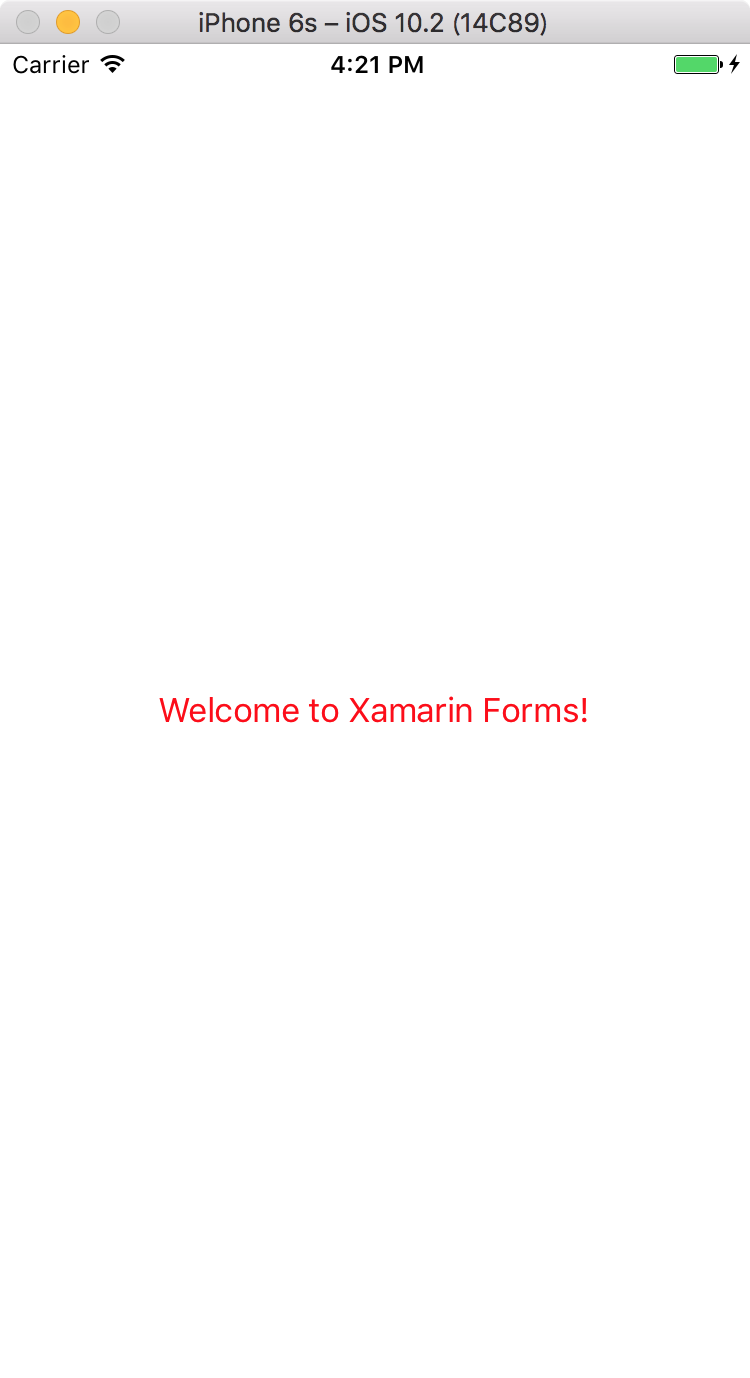
実行例を以下に示します。

Please follow and like us:


コメント