
本記事の概要
Line では直線の他に破線を描画することもできます。
この記事では Line で破線を描画する方法について説明します。
公式サイト情報はコチラを参照してください。
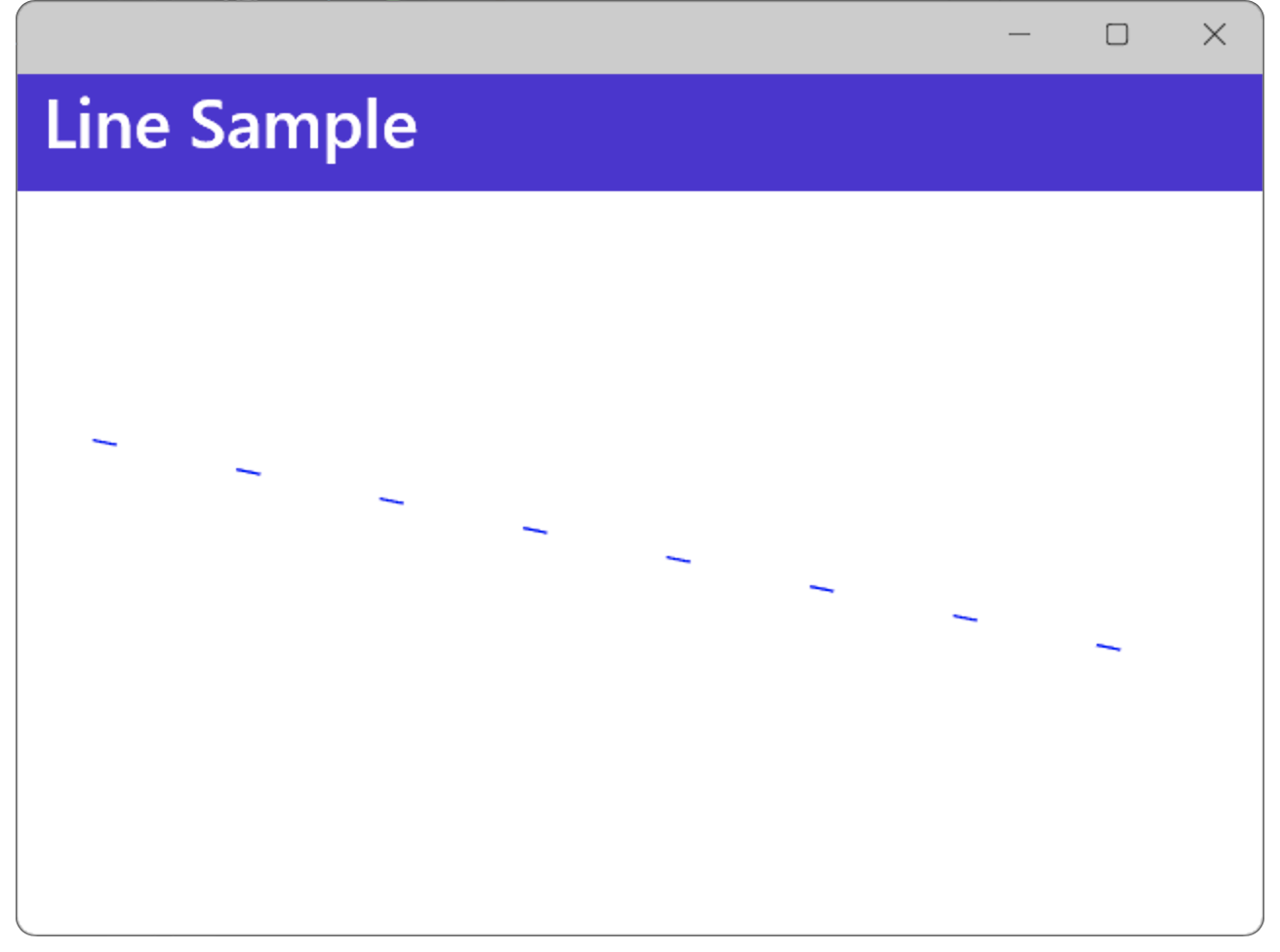
破線を描画する例
破線の描画
破線を描画するには、StrokeDashArray プロパティを使用します。
StrokeDashArray プロパティには2つの値を指定するのですが、最初の値は破線の実線の長さ、2つ目の値は実線と実線の間の空白を表します。
XAML の例
以下は、XAML で 破線 を作成する例です。
この例では、実線の長さが 10、実線と実線の間の空白を 50 にする例です。
XAML の例
<?xml version="1.0" encoding="utf-8" ?>
<ContentPage xmlns="http://schemas.microsoft.com/dotnet/2021/maui"
             xmlns:x="http://schemas.microsoft.com/winfx/2009/xaml"
             x:Class="MauiAppSample.MainPage">

    <ScrollView>
        <VerticalStackLayout
            Spacing="25"
            Padding="30,0"
            VerticalOptions="Center">

            <Line X1="10" Y1="10"
                  X2="500" Y2="110"
                  Stroke="Blue"
                  StrokeDashArray="10,50"
                  />
        </VerticalStackLayout>
    </ScrollView>

</ContentPage>
C#の例
以下は 先ほどのXAML の例を コードビハインドで行う例です。
C# の例
<?xml version="1.0" encoding="utf-8" ?>
<ContentPage xmlns="http://schemas.microsoft.com/dotnet/2021/maui"
             xmlns:x="http://schemas.microsoft.com/winfx/2009/xaml"
             x:Class="MauiAppSample.MainPage">

    <ScrollView>
        <VerticalStackLayout
            Spacing="25"
            Padding="30,0"
            VerticalOptions="Center">

            <Line x:Name="myLine" />
        </VerticalStackLayout>
    </ScrollView>

</ContentPage>
XAML の例
<?xml version="1.0" encoding="utf-8" ?>
<ContentPage xmlns="http://schemas.microsoft.com/dotnet/2021/maui"
             xmlns:x="http://schemas.microsoft.com/winfx/2009/xaml"
             x:Class="MauiAppSample.MainPage">

    <ScrollView>
        <VerticalStackLayout
            Spacing="25"
            Padding="30,0"
            VerticalOptions="Center">

            <Line x:Name="myLine"/>

        </VerticalStackLayout>
    </ScrollView>

</ContentPage>
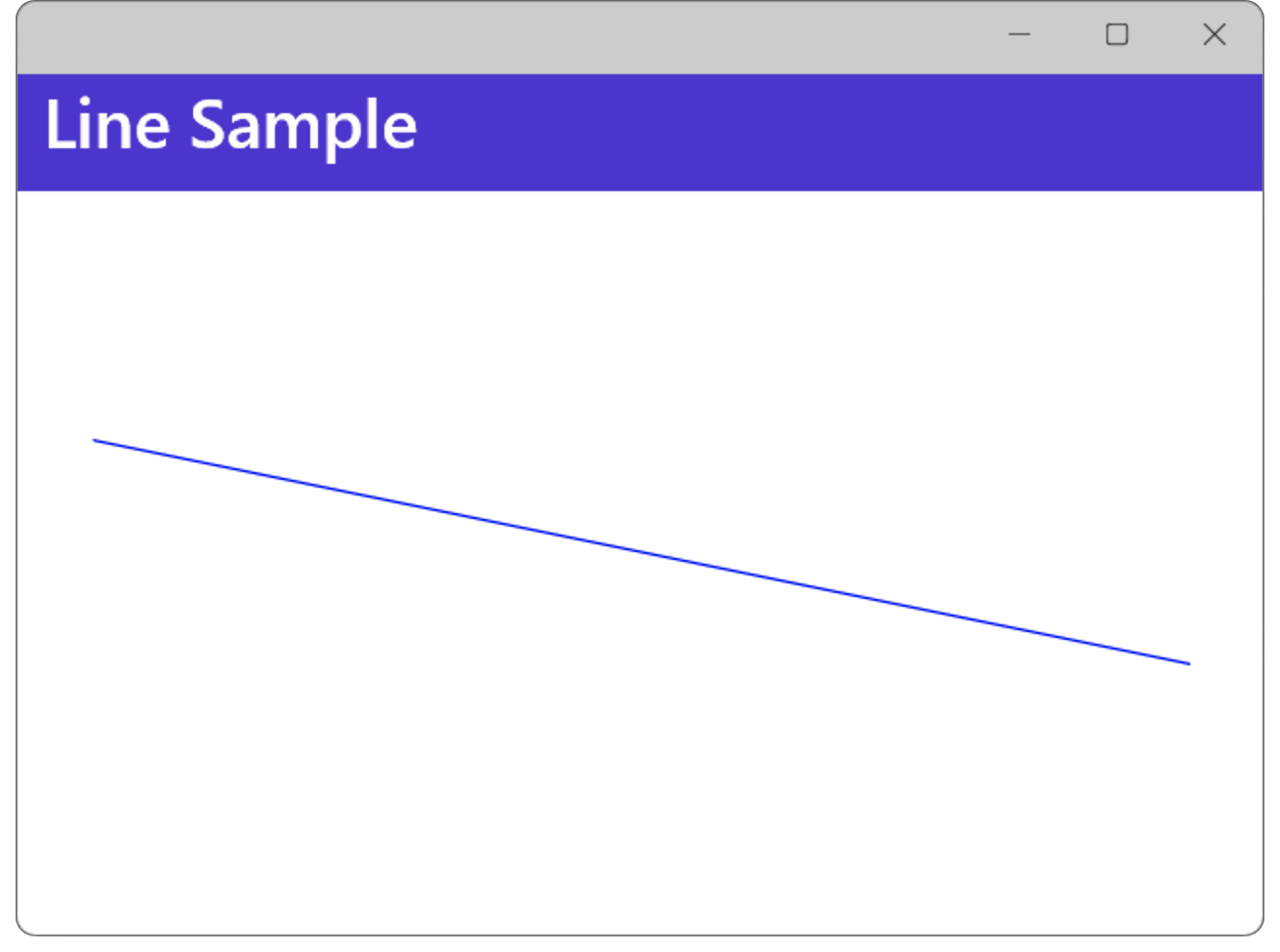
直線描画の基本
.NET MAUI Tips
本サイトでまとめている .NET MAUI Tips の一覧はこちらから確認できます。
Please follow and like us:



コメント