
DeviceクラスのIdiomプロパティを使用すると、現在起動しているデバイスがPhone, たブレッド, デスクトップのどれなのかを判別することができます。
Device.Idiomプロパティは、TargetIdiom列挙体(以下表)の値を示します。
| 値 | 説明 |
| Phone | デバイスがPhoneであることを示す |
| Tablet | デバイスがタブレットであることを示す |
| Desktop | デバイスがデスクトップであることを示す |
| Unknown | デバイスが上記のいずれでもない |
以下にDevice.Idiomの使用例を示します。この例では、Device.Idiomでデバイスを判別し、Labelにデバイス種別を表示します。
XAMLは以下の通りとします。
<?xml version="1.0" encoding="utf-8" ?>
<ContentPage xmlns="http://xamarin.com/schemas/2014/forms"
             xmlns:x="http://schemas.microsoft.com/winfx/2009/xaml"
             xmlns:local="clr-namespace:DeviceClassSample2"
             x:Class="DeviceClassSample2.MainPage">

  <Label x:Name="lblIdiom"
         Text="Welcome to Xamarin Forms!"
         VerticalOptions="Center"
         HorizontalOptions="Center" />

</ContentPage>
コードは以下の通りとし、switchでデバイス種別を判断しています。
public MainPage()
{
    InitializeComponent();

    string strIdiom = string.Empty;

    switch (Device.Idiom)
    {
        case TargetIdiom.Phone:
            strIdiom = "Phone";
            break;
        case TargetIdiom.Tablet:
            strIdiom = "タブレット";
            break;
        case TargetIdiom.Desktop:
            strIdiom = "デスクトップ";
            break;
        case TargetIdiom.Unsupported:
            strIdiom = "サポート外";
            break;
    }

    lblIdiom.Text = strIdiom;
}
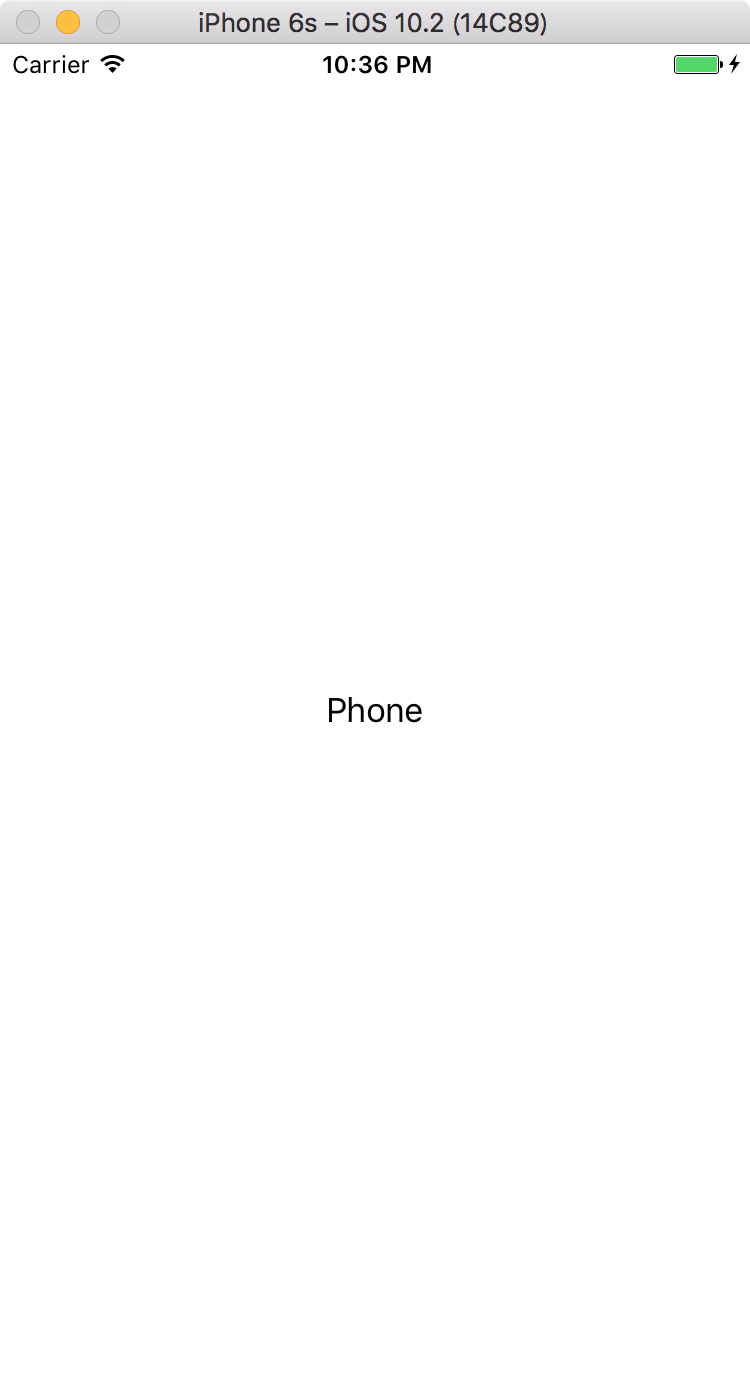
以下はiPhoneとiPadのシミュレータでの実行例です。iPhoneの場合は「Phone」が、iPadの場合は「タブレット」が表示されます。

Please follow and like us:


コメント